

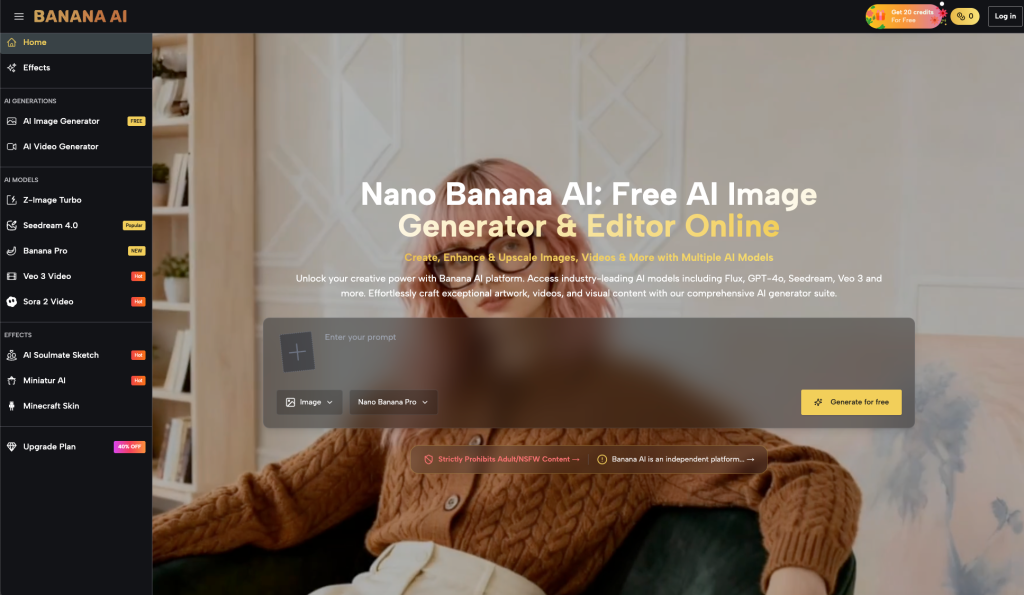
In the current landscape of generative media, the amateur’s mistake is the “one-shot” obsession—the belief that a single, perfectly crafted prompt sent to the most expensive model will yield a final asset. For the indie maker or the content operator, this approach is both financially and creatively inefficient. High-fidelity models are computationally expensive and often slower, making them poor choices for the messy, iterative phase of layout and compositional discovery.
Success in modern AI production requires a shift from prompt engineering to pipeline orchestration. Within an ecosystem like Banana AI, the goal isn’t just to generate an image; it is to route specific creative tasks to the model best suited for that specific stage of the project. By treating the platform as a tiered routing engine rather than a single black box, creators can preserve credits, reduce latency, and ultimately produce higher-quality visuals through a structured escalation process.
The Efficiency Gap in Generative Workflows
The most common bottleneck in generative workflows is “credit burn”—the rapid depletion of resources on discarded ideas. When an operator uses a high-parameter model like Banana Pro to test whether a composition should be a close-up or a wide shot, they are effectively using a precision instrument for a rough-cut task. This leads to design fatigue; after twenty high-fidelity renders that don’t quite hit the mark, the creator is often too low on credits or patience to refine the final 10% that actually matters.
Shifting the mindset toward orchestration means acknowledging that not every generation needs to be “perfect.” Early-stage generations only need to be “directional.” They need to confirm that the lighting is hitting the subject from the right angle or that the color palette doesn’t clash with the intended brand identity. If you are still deciding between a “vintage film” look and a “cyberpunk neon” aesthetic, you shouldn’t be using your most powerful rendering engine. You should be using a fast, lightweight model to validate the core concepts first.
This is where the operator’s judgment comes into play. It is the ability to look at a low-resolution, low-latency output and see the “bones” of a successful image. If the bones are good, then—and only then—do you escalate to the heavier models. This tiered approach ensures that when you finally commit to a high-fidelity render in Banana AI, the probability of success is significantly higher.
Low-Latency Exploration with Nano and Z-Image
The foundation of a high-velocity workflow is the “fail fast” stage. For creators using Banana AI, this typically involves Nano Banana and Z-Image Turbo. These models are built for speed and accessibility, allowing for rapid-fire experimentation that would be cost-prohibitive elsewhere.
Using Nano Banana for Structural Drafting
Nano Banana, often powered by highly optimized architectures like Google’s Nano weights, serves as the primary tool for compositional drafting. If a creator is trying to place a character in a complex environment—for example, an astronaut in an overgrown jungle—Nano Banana can quickly produce dozens of variations. At this stage, the operator isn’t looking for perfect skin textures or realistic foliage. They are looking for the “silhouette.” Does the astronaut stand out against the greenery? Does the 16:9 aspect ratio feel too cramped?
Because these models generate results almost instantly, the feedback loop is tight. An operator can adjust a keyword, hit generate, and see the result before they’ve even finished their next thought. This speed allows for a volume of experimentation that high-fidelity models simply can’t match without significant wait times.
Z-Image Turbo for Keyword Validation
Once the composition is roughly understood, Z-Image Turbo can be used to validate specific prompt keywords. If you are unsure whether “volumetric lighting” or “god rays” produces the specific atmospheric effect you want, Z-Image Turbo provides a quick preview. It acts as a bridge between the rough sketch of Nano and the final render of a Pro model.
It is important to note a moment of limitation here: while Z-Image Turbo is excellent for speed, it can sometimes struggle with spatial logic when multiple subjects are involved. If your scene requires three distinct characters interacting in a specific way, even the fastest turbo model might produce “subject blending.” Operators should use this stage to confirm aesthetics, not to finalize complex physical interactions.
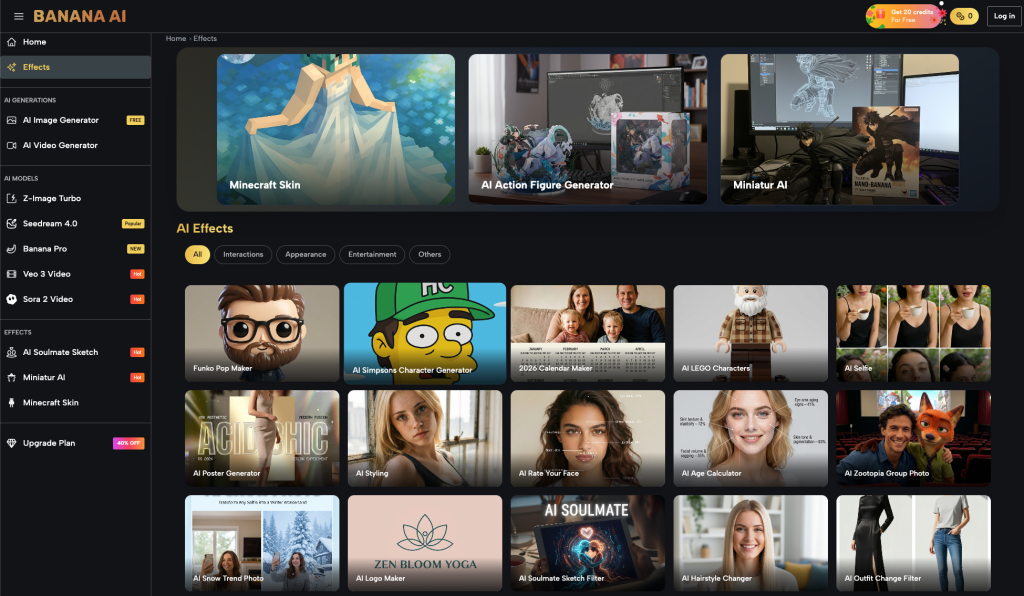
Transitioning to High-Fidelity with Banana AI Image
The transition from drafting to finalization occurs when the operator has “locked” the composition and aesthetic direction. This is the moment to move into the high-parameter models available within Banana AI Image. These models are designed to handle the heavy lifting of texture, lighting nuance, and anatomical accuracy.
The Role of Banana Pro in Asset Finalization
When an asset requires brand-level detail—such as a product shot or a hero image for a landing page—Banana Pro becomes the primary tool. Unlike the drafting models, Banana Pro has a higher understanding of global illumination and micro-textures. It can differentiate between the sheen of brushed aluminum and the matte finish of plastic, details that are often lost or averaged out in faster models.
However, moving to a model like Banana Pro isn’t just about clicking a different button. It requires a more refined prompt. While Nano Banana might respond well to simple keywords, Banana AI Image models often benefit from more descriptive, technical language regarding camera settings (e.g., “f/1.8 aperture,” “85mm lens”) and specific art styles.
Leveraging Seedream 4.0 for Aesthetic Texture
For creators focused on more artistic or stylized outputs, Seedream 4.0 offers a distinct advantage. Where standard models might over-smooth textures to achieve a “clean” look, Seedream 4.0 often retains more grit and organic variation. This is particularly useful for character portraits or environmental concept art where “perfect” is actually a detriment to the vibe.
One area of uncertainty that operators must manage during this transition is “model drift.” It is not uncommon for a high-fidelity model to interpret a prompt slightly differently than a drafting model did. A specific color of blue that looked perfect in Nano might shift toward teal in Banana AI Image. This is why the orchestration phase is iterative; you carry the “seed” of the idea forward, but you must be prepared to do a final round of polishing once you hit the pro-tier rendering.
Bridging Stills to Motion via Veo 3
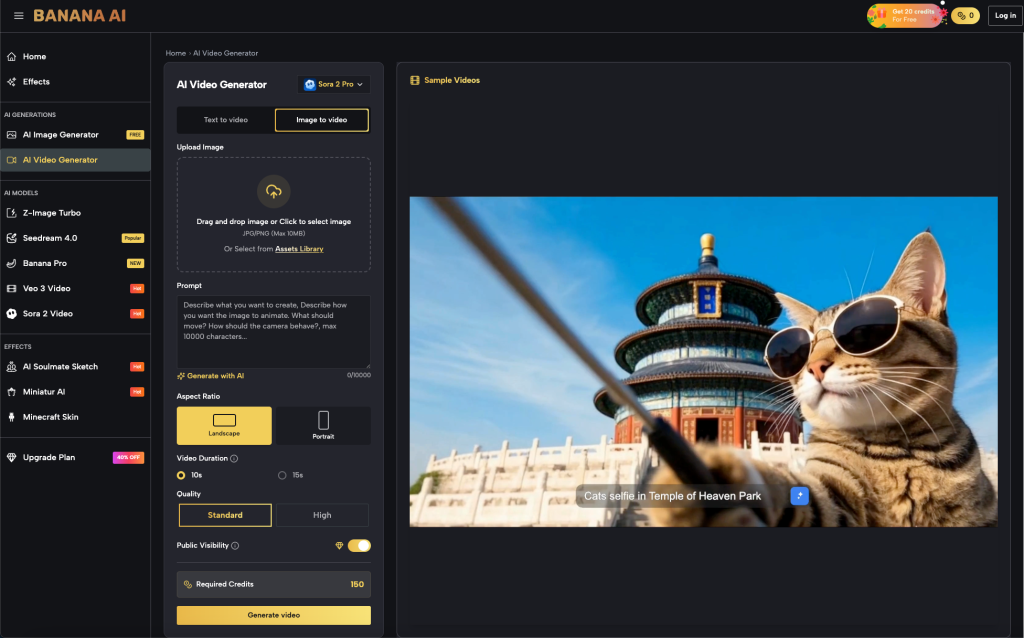
For many creators, a static image is only the halfway point. The demand for social video and dynamic ad creatives means that the “stills to motion” hand-off is a critical part of the workflow. In the Banana AI ecosystem, this is where Veo 3 Video takes center stage.
Maintaining Consistency from Image to Video
The most effective way to use Veo 3 is the “Image-to-Video” workflow. By taking a high-quality output from Banana AI Image and using it as the starting frame for a video generation, you solve the biggest problem in AI video: character and environment consistency. If you ask a video model to create an astronaut from scratch, it might look different in every frame. If you provide it with a high-fidelity reference image generated in Banana Pro, the model has a clear map of what the subject should look like.
Choosing Between Motion Complexity and Stability
Veo 3 allows for different levels of motion complexity. An operator must decide if the scene needs a simple “cinematic pan” or complex “dynamic character movement.” It is a point of practical judgment to realize that complex movement often introduces more “hallucinations”—where the AI loses track of the subject’s anatomy during a turn or a jump. For professional-grade assets, it is often safer to opt for subtle, high-stability motion rather than trying to force a 10-second action sequence that might fall apart halfway through.
Managing the Margin of Error and Final Judgment
Despite the advancements in model routing and the capabilities of Banana AI, the technology still possesses significant “blind spots” that require human intervention. No matter how sophisticated your pipeline is, there are areas where the models remain inherently uncertain.
Spatial Logic and Anatomical Accuracy
Two areas that continue to plague even the most advanced models are text rendering and complex hand anatomy. While Banana AI Image has made strides in these areas, an operator should never assume a generation is perfect upon first glance. Small errors—six fingers, garbled background text, or physics-defying shadows—are common. These are the moments where the “AI feel” is strongest, and they are exactly what a professional operator must catch during the quality assurance stage.
The Necessity of Human Quality Assurance
The ultimate conclusion for any serious creator is that model routing is a way to get to a final asset faster, but it is not a replacement for final human judgment. The “pipeline” ends with a human looking at the 2K upscale and deciding if it meets the project’s standards. Sometimes, this means taking a Banana Pro output into a traditional editor for a quick clone-stamp fix, or rerunning a Veo 3 sequence because the motion felt unnatural.
By understanding the strengths and limitations of each model—from the lightning-fast drafting of Nano to the high-fidelity rendering of Banana AI—operators can build a production workflow that is both sustainable and capable of professional-grade results. The goal isn’t just to use AI; it’s to use the right AI for the right second of the creative process.
