

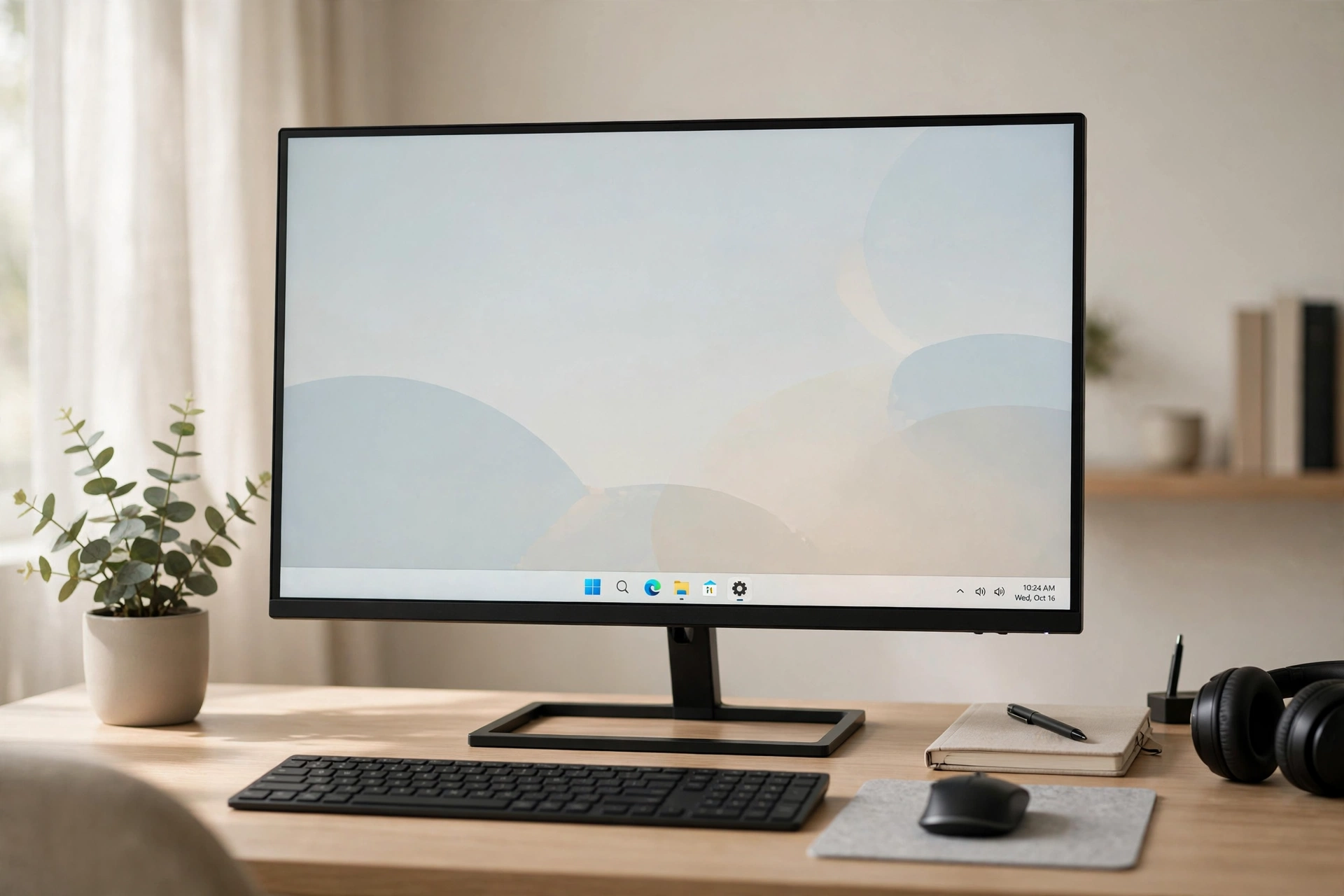
For decades, the Windows taskbar sat quietly at the bottom of the screen and most people never gave it a second thought. Icons lived on the left, the clock sat on the right, and that was simply how a PC looked. That attitude has changed. As laptops have become our offices, classrooms and entertainment centres, users have started to care far more about how their desktop feels to use every day, not just how fast it runs.
Much of this shift came with Windows 11, which centred the taskbar icons and gave the whole interface a cleaner, more balanced look. Millions of people liked what they saw, but not everyone wanted to upgrade an entire operating system just to change the layout of a single bar. Others upgraded and then discovered that the built-in options stopped well short of what they actually wanted. That gap between expectation and reality is exactly where taskbar customizers have found a growing audience.
A Desktop That Finally Matches Modern Hardware
Modern laptops ship with bright, high-resolution displays, slim bezels and carefully designed aluminium bodies. Against that hardware, a default taskbar from another era can look oddly dated. A centred row of icons, a softer background and a little transparency instantly make the screen feel more considered, closer to what people expect from a phone or tablet they use alongside their computer.
There is also a practical side to the centred layout. On wide and ultrawide monitors, the Start button and pinned apps in the far corner force constant eye and mouse travel across the screen. Bringing the icons toward the middle shortens that journey dozens of times a day. It sounds like a small detail, but small details repeated all day are precisely what shape how a machine feels to live with.
More Than Just Moving Icons to the Centre
Early customization tools did one thing: they nudged the icons sideways. Today’s utilities go much further. Users can adjust how transparent the taskbar appears, add a gentle blur behind it, or use an acrylic effect that lets the wallpaper tint show through in a soft, frosted way. The result can be dramatic or subtle, depending on taste.
Animation has become part of the appeal too. Instead of icons appearing abruptly, they can ease in with a smooth motion when an app opens or when the bar appears. Corners can be rounded, segments can be separated, and the system tray area can be styled differently from the main icon row. Tools such as Taskbarx bundle these options together in one small, free utility, which is a big reason the category has moved from enthusiast forums into the mainstream. There is no subscription and no heavy software suite to install, just a focused tool for one part of the interface.
Why Windows 10 Users Are a Big Part of the Trend
Windows 10 remains in daily use on a huge number of machines, including plenty that cannot officially upgrade or belong to employers who have not approved an upgrade. Their owners still see centred, polished desktops in adverts, videos and colleagues’ screenshots, and naturally want the same look without replacing a computer that works perfectly well.
For those users, a customizer is the sensible middle path. It changes the appearance in minutes, it can be undone just as quickly, and it does not touch documents, drivers or security settings. Students refreshing an older laptop, freelancers tidying up a home office and gamers matching their desktop to the rest of their setup all arrive at the same conclusion: personalising the taskbar is one of the cheapest, lowest-risk upgrades available.
Personalisation Has Become a Productivity Habit
It would be a mistake to dismiss all of this as decoration. People who arrange their workspace deliberately tend to work more comfortably in it, and the digital workspace is no different. Grouping pinned apps in the centre, keeping the tray uncluttered and choosing a calm, consistent visual style reduces the tiny frictions that add up during a long day.
Customizers also encourage experimentation. Because changes are instant and reversible, users try a look, live with it for a week, then refine it. That habit of small, thoughtful adjustment is the same one behind standing desks, better lighting and tidy cables. The taskbar is simply the part of the setup people look at most often, so it is a natural place to start.
What to Look for in a Taskbar Customizer
Anyone tempted to try one should keep a few basics in mind. Choose a tool that is lightweight, so it is not competing with real work for memory. Check that it supports your version of Windows, that settings can be reset easily, and that it does not demand unnecessary permissions. Reading recent user comments is a quick way to spot tools that are still actively maintained.
Start gently. Centre the icons, add a modest amount of transparency, and use the setup for a few days before adding animations or stronger effects. Most people find their ideal look within ten minutes of experimenting, and the beauty of this kind of software is that nothing is permanent. The modern desktop, it turns out, is not the one Microsoft or anyone else ships by default. It is the one each user shapes for themselves.
